Digital Art Tools for Photoshop Certification

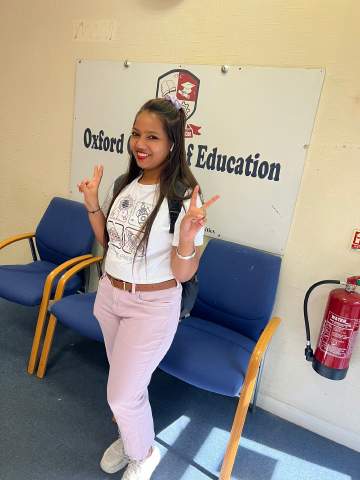
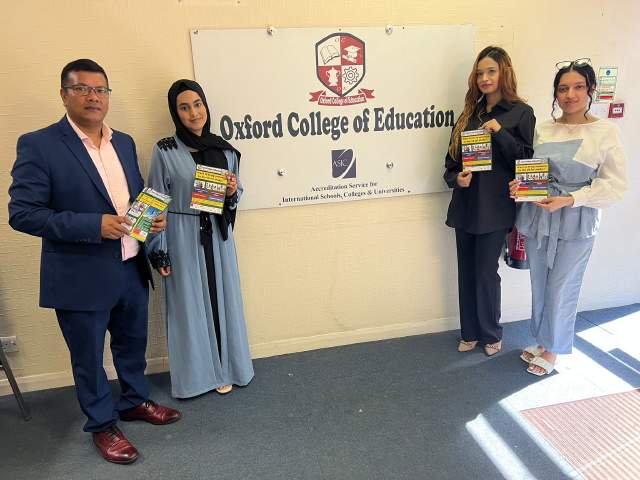
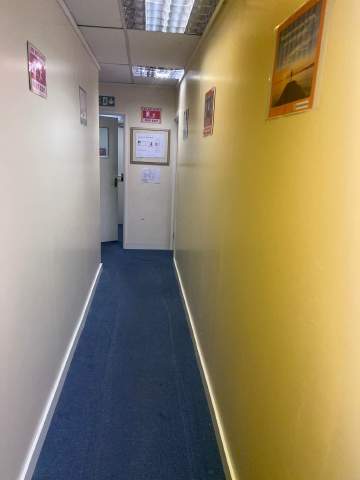
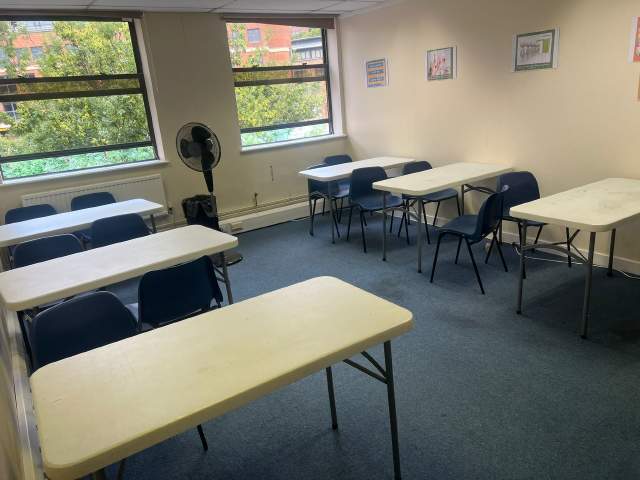
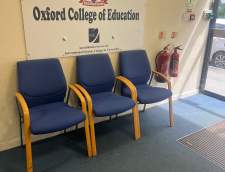
Oxford College of Education

Hinta
school-reference
detail

Tuntiaikataulu

Kielikurssin kesto
52 viikkoa
Aloituspäivämäärä
Joka maanantai
Oppitunteja viikossa
1 lesson per week (jokainen oppitunti kestää 60 min)
Opetuspäivät
maanantai - sunnuntai

Opetusjärjestys saattaa muuttua kaudesta ja saatavuudesta riippuen.

Kielikurssin kuvaus

Digital Art Tools for Photoshop Certification
Ever wonder why a picture in a magazine looks flawless or how creative an advertising banner looks? While being a professional designer or photographer may have a lot to do with it, the potential to create amazing images is possible for anyone. The key is to learn how to use the right post-production software, such as Adobe Photoshop. The ability to create multi-layers with unique effects and designs allows the designer to add depth and dimension. It is important to understand what Photoshop is used for as it has multiple functions and can be a very useful tool in not just editing photos, but also creating pamphlets, banners, business cards and flyers. This course will teach you about the benefits of such a program and also provides instructions on how to use it for both professional and personal needs.

Throughout the course, you will see 21 different videos. Each video will take you on a step-by-step journey through the basic features of Photoshop. While there are several obvious features, such as the ‘Layers’ dialogue box, there are additional ways to use each tool to maximise the post effects of a photo.

In this course, you will learn:
How to create a new file and adjust a canvas size that is suitable to project needs
How to navigate through the software, where to find its tools and understand the layout of the page
Learn how to identify Photoshop tools and understand their basic functionalities
Learn how to identify the secondary tools, how to select them and what they are used for
Learn shortcuts and understand how and when to use them
How to use the layer option and understand the layer dialogue box
Learn how to use and apply adjustment layers
How to add effects and filter to an existing image
Course Benefits:
You will learn the basic steps of using Photoshop and can begin to create a design
How to become more efficient by using shortcuts and understanding the use of specific tools
You will understand how to enhance an image and ways to crop the image to reuse for another project
The importance of colours and how they can be adjusted and enhanced using the different colour options such as colour balance
How to use brightness and contrast, exposure and hue and saturation to manipulate a photo
How to use rulers to make creative designs such as pamphlets
Design elements that enhance a creative project

Ryhmän taso

Kaikki tasot, vasta-alkajista edistyneisiin
Tulet suorittamaan ensimmäisenä kurssipäivänä tasokokeen, jonka avulla ryhmätasosi määritellään. Voit myös ottaa tämän testin ennen saapumista kohteeseen !in High Wycombe.

Ryhmäkoko

Keskimäärin 12 opiskelijaa
Enimmäismäärä 15 opiskelijaa

Opiskelijan ikä

Ikäryhmä 16 - 35 vuoden ikäinen
Keskimäärin 19 vuoden ikäinen

Todistus

Lopputodistus annetaan kielikurssin päätteksi.
Lue lisää...
school
photos

Valokuvia

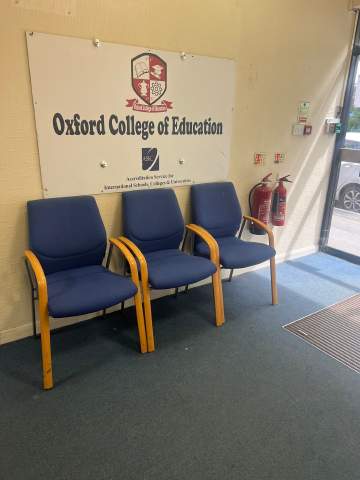
  • Oxford College of Education 1/10
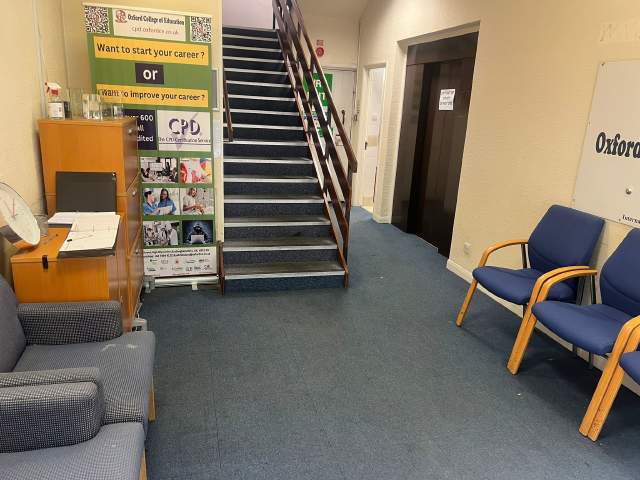
  • Oxford College of Education 2/10
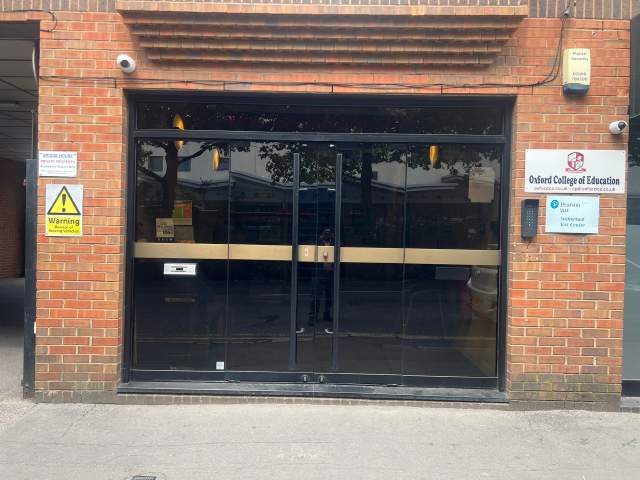
  • Oxford College of Education 3/10
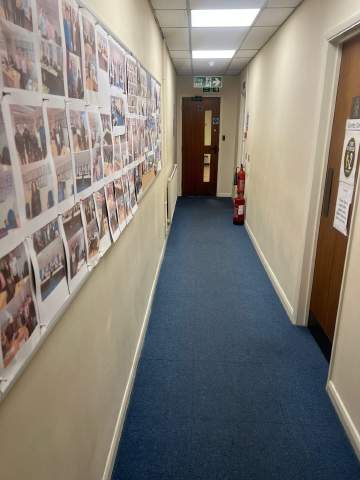
  • Oxford College of Education 4/10
  • Oxford College of Education 5/10
  • Oxford College of Education 6/10
  • Oxford College of Education 7/10
  • Oxford College of Education 8/10
  • Oxford College of Education 9/10
  • Oxford College of Education 10/10
visa

Viisumineuvonta

Me emme voi anoa viisumeja opiskelijoiden puolesta. Koulu voi kuitenkin tarjota viisumihakemukseen tarvittavat lomakkeet.

Jos opiskelet Britanniassa yli 11 kuukauden ajan saat CAS- viitenumeron (Confirmation of Acceptance for Studies) joka sinun on ltoimitettava Britannian suurlähetystöön yhdessä viisumihakemuksesi (General Student Visa) kanssa. Opiskelijat, jotka ovat onnistuneesti varanneet ja maksaneet kielikurssin saavat CAS-numeron OCE. Ole hyvä ja ota huomioon, että Britannian lakien mukaan CAS-numero voi antaa vain opiskelijalle, joka aikoo opiskella englantia yli 11 kuukautta.

Jos opiskelet Britanniassa alle kuuden kuukauden ajan, sinun on anottava erityistä vierailuviisumia (Student Visitor Visa). Vierailevana opiskelijana sinulla ei ole oikeutta työskennellä opiskelun ohella. Jos suunnitelmissasi on opiskella Britanniassa alle kuuden kuukauden ajan, hyväksymiskirje lähetetään sinulle maksutta kotiosoitteeseesi.

Liätietoja Britannian viisumin hausta. »

Lennot ja lentokenttävaihdot

Please note that we do not book flights for our students. If you are researching airfare costs, we recommend using Kayak.com, a search engine that lets you compare flight options from your home country to High Wycombe based on your budget, schedule and preferences.

Matkavakuutus

Opiskele huoletta ulkomailla Language Internationalin tarjoamien sairaus- ja henkilökohtaisen omaisuusvakuutusten turvin. Kun varaat kielikurssin kauttamme, voit halutessasi ostaa kansainvälisen vakuutuspaketin joka kattaa sairauskulujen lisäksi omaisuusvahingot. Sinun on varattava palvelu etukäteen rekisteröitymisen ohessa.

Lisätietoja vakuutussuunnitelmastamme »

Lue lisää...
questions

Kysymyksiä ja vastauksia

Kysymyksiä? Saat vastauksia majoituspaikan Oxford College of Education henkilökunnalta ja aiemmilta opiskelijat.

Esitä kysymys
Näytä hinnat